XE vs OANDA vs Google Currency Converter: Which Tool Is Best in 2026?
Compare XE, OANDA, and Google Currency Converter in this practical 2026 guide. Learn which tool is most accurate, fastest, and best for travelers, freelancers, and businesses.

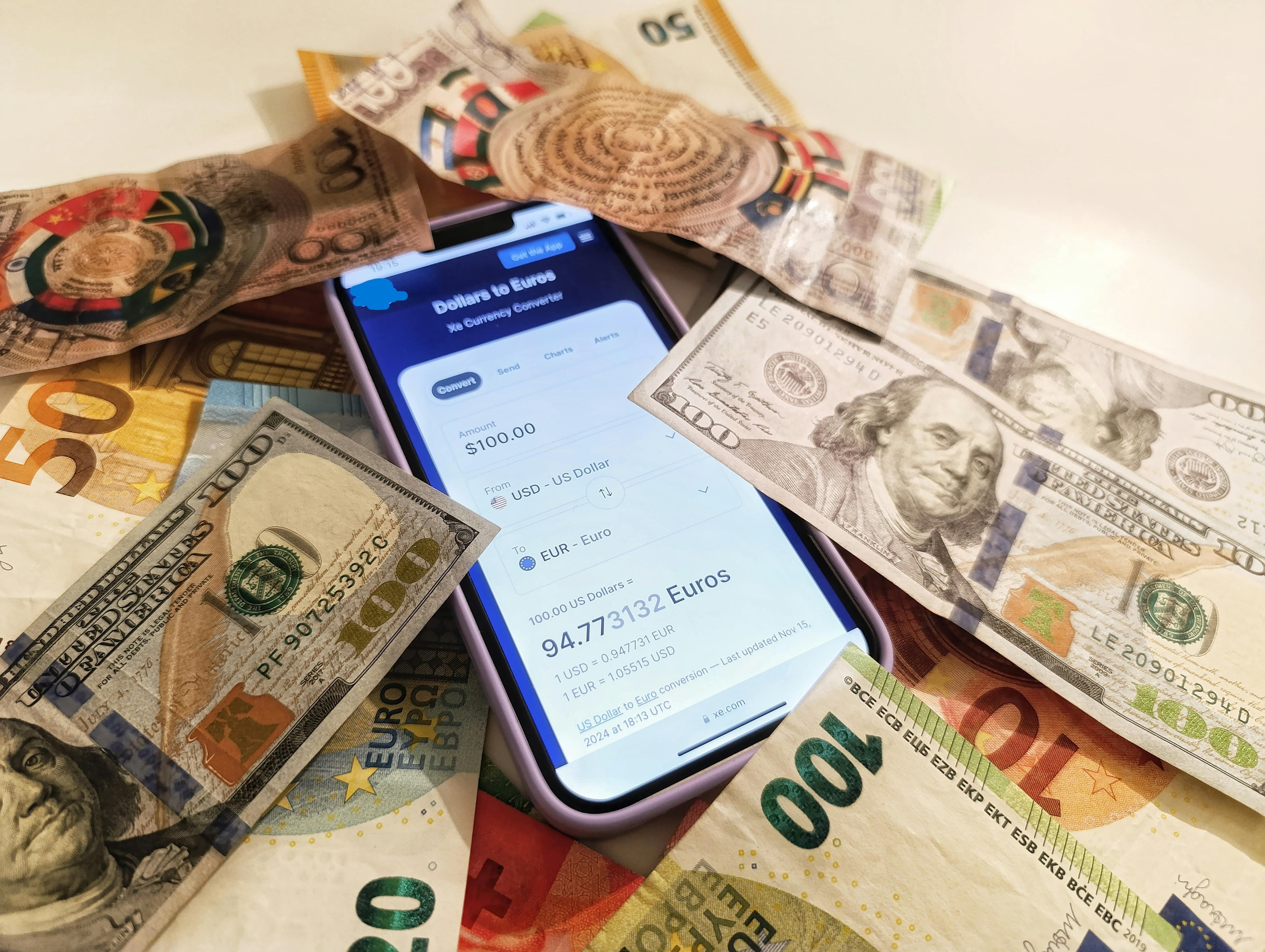
XE vs OANDA vs Google Currency Converter: Which Tool Is Best in 2026?
When people search “currency converter”, three names appear again and again:
- XE Currency Converter
- OANDA Currency Converter
- Google Currency Converter
Each tool helps convert money between currencies like USD, EUR, GBP, and JPY. However, they are built for different types of users.
Some people want instant answers.
Others need accurate exchange rate data for travel, payments, or business decisions.
This guide compares XE, OANDA, and Google so you can understand which tool works best for your situation.
Meet the Three Currency Converter Tools
Before comparing them directly, it helps to understand what each tool was designed to do.
XE Currency Converter
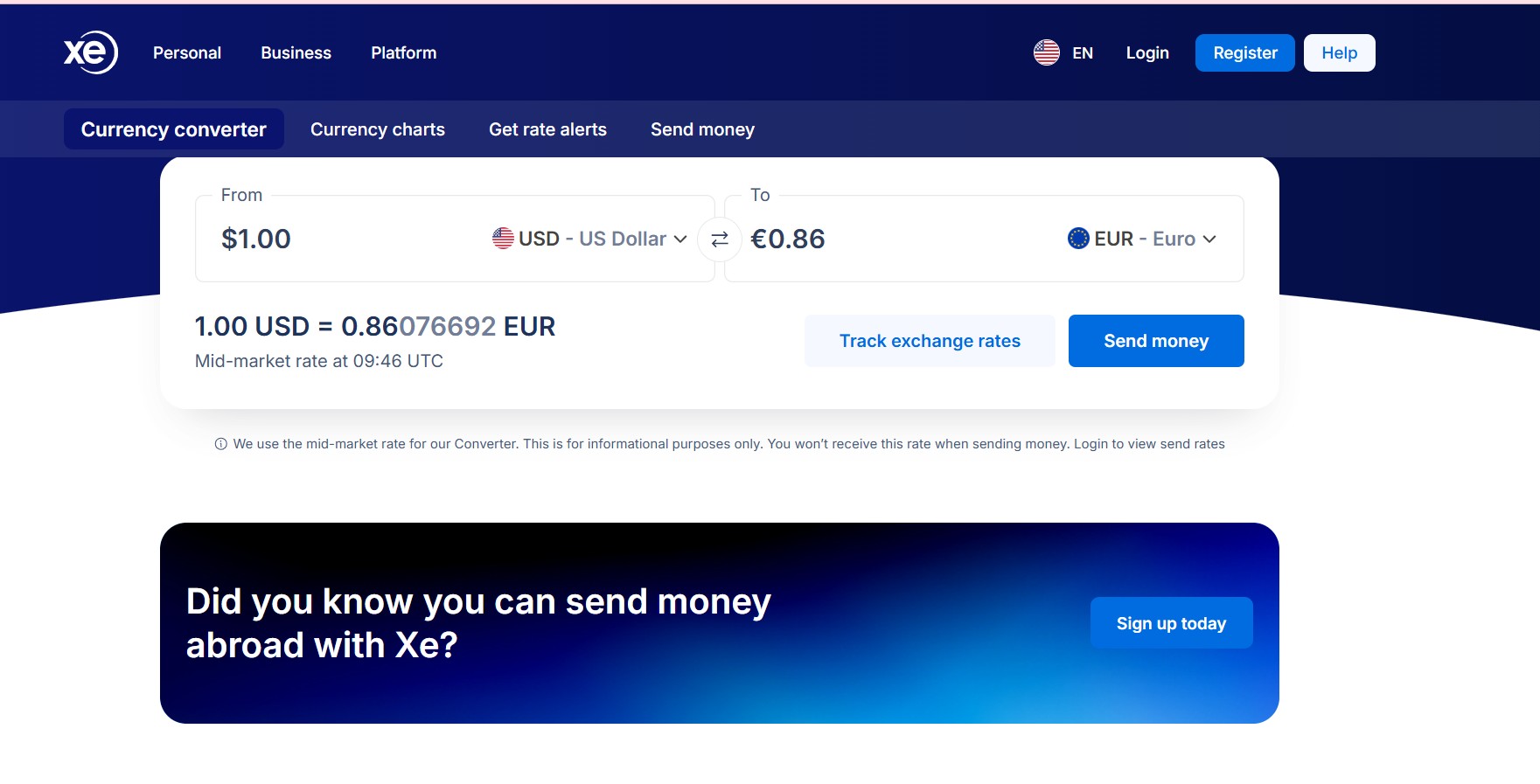
Image for XE currency Converter
XE is one of the oldest and most widely used currency conversion platforms.
It focuses entirely on foreign exchange data and provides tools such as:
- live exchange rates
- historical rate charts
- rate alerts
- multi-currency comparisons
- mobile apps for travel
XE is commonly used by travelers, freelancers, and online shoppers who need reliable exchange rate information.
OANDA Currency Converter

Image for Oanda currency Converter
OANDA began as a professional forex trading and financial data company.
Because of its background in currency markets, OANDA provides:
- institutional-grade exchange rate data
- advanced historical charts
- date-based historical conversions
- developer APIs for financial applications
OANDA is widely used by financial analysts, businesses, and developers working with currency data.
Google Currency Converter

Image for Google currency Converter in search Results.
Google’s converter appears directly inside search results.
For example, typing:
100 USD to EUR
will instantly display the converted amount.
Google focuses on speed and convenience, making it one of the fastest ways to check a currency value online.
However, it provides only basic functionality without charts or alerts.
Exchange Rate Accuracy
Exchange rate accuracy is one of the most important factors when choosing a converter.
Both XE and OANDA pull data from professional financial sources and update their rates frequently.
In most situations:
- OANDA and XE display nearly identical rates
- Google’s rate is usually very close but may update slightly slower
For everyday conversions, the difference is usually tiny. But for large payments or financial decisions, even small variations can matter.
Accuracy comparison
- OANDA → extremely precise market data
- XE → highly reliable everyday accuracy
- Google → accurate enough for quick checks
To understand why exchange rates move constantly, see:
→ How Exchange Rates Work (Beginner Guide)
/blog/post/how-exchange-rates-work-beginner-guide
Features and Advanced Tools
The biggest difference between these tools appears in their available features.
XE features
- historical exchange rate charts
- rate alerts for target prices
- multi-currency conversion
- mobile apps with offline support
OANDA features
- advanced historical charts
- historical date-based converter
- developer API access
- financial market data tools
Google features
- instant conversion only
- no historical data
- no alerts or analytics
For users who track currency trends or work internationally, XE and OANDA offer far more functionality.
Speed and Ease of Use
When it comes to speed, Google is the clear winner.
You simply type a conversion into the search bar and receive an answer immediately.
However, XE provides a clean interface and mobile apps that make repeated conversions easy.
OANDA’s interface is more professional and data-focused, which may feel more complex for casual users.
Ease of use comparison
- Fastest → Google
- Best balance → XE
- Professional data → OANDA
Best Situations for Each Converter
Each tool serves a slightly different purpose.
Use Google Converter when
- you need quick conversions
- you are comparing prices online
- you want an instant estimate
Use XE Converter when
- you travel internationally
- you want exchange rate alerts
- you monitor currency trends
- you convert currencies frequently
Use OANDA Converter when
- accuracy is critical
- you need historical financial data
- you work with currency APIs or business tools
Why Many Users Combine Multiple Tools
Many people use more than one converter depending on the situation.
For example:
- Google for quick everyday checks
- XE for travel planning and multi-currency tracking
- OANDA for deeper financial analysis
This combination provides both speed and accuracy.
Understanding the Mid-Market Exchange Rate
All reliable converters aim to display the mid-market exchange rate.
This rate represents the midpoint between the buy and sell prices used in global currency markets.
Banks and payment providers often add markups on top of this rate.
To learn more about this concept, see:
→ Mid-Market Exchange Rate Explained
/blog/post/mid-market-exchange-rate-explained
Final Verdict: Which Currency Converter Is Best?
There is no single tool that fits everyone.
- Google is best for speed and quick answers.
- XE offers the best balance of usability and features.
- OANDA provides the most professional-grade exchange rate data.
For many users, XE remains the most practical all-around option because it combines reliable rates with helpful tools.
Related Guides
- How Exchange Rates Work (Beginner Guide)
- Currency Converter Calculator Guide
- Hidden Fees Currency Converter Checklist
About the Author
Jadox builds practical financial tools and writes beginner-friendly guides about currency converters, exchange rates, and global payments.
Disclaimer: Exchange rates change frequently. Examples are simplified for educational purposes and may differ from live market data.
🏷️ Topics
📖 Continue Learning
More guides from the same category