Stop Overpaying on Amazon: How to Bypass Currency Converter Fees When Shopping Internationally
Amazon’s built-in currency converter can add hidden markups to international orders. Learn how to bypass Amazon’s conversion, pay in local currency, and use a transparent currency converter app instead.

Stop Overpaying on Amazon: How to Bypass Currency Converter Fees When Shopping Internationally
Shopping on Amazon from another country feels effortless.
Add to cart → checkout → payment confirmed.
But when you buy from international Amazon stores — such as Amazon US, Amazon UK, or Amazon Germany — you might unknowingly pay extra at checkout.
The reason is Amazon’s built-in currency conversion system.
Most shoppers never notice the markup. Once you understand how it works, you’ll likely avoid using it again.
 Amazon often offers currency conversion at checkout, but the exchange rate may include hidden markups.
What Amazon’s Currency Converter Does
When shopping on a foreign Amazon marketplace, product prices appear in the store’s local currency.
During checkout, Amazon typically offers two options:
- Pay in the store’s local currency
- Pay in your home currency using Amazon’s converter
The second option may seem convenient, because it shows the final amount in your familiar currency.
However, Amazon performs the conversion using its own exchange rate, which usually includes a markup.
Why Amazon’s Exchange Rate Is Often Worse
Amazon’s conversion rate generally includes:
- a currency conversion margin
- an additional service markup
This means the rate you receive is usually worse than the mid-market exchange rate used in global currency markets.
For a deeper explanation of mid-market rates, see:
Typical Amazon Currency Conversion Markup
Amazon does not publish a fixed conversion fee.
However, independent testing and user reports suggest the markup typically falls between:
- 3% and 6% above the mid-market rate
For small purchases, the difference may appear minor. For expensive products, the extra cost can become noticeable.
Example
Product price: 100 EUR
True mid-market rate:
100 EUR ≈ 108 USD

```id="w1otbb"

Amazon conversion option:
100 EUR ≈ 113 USD
That difference represents $5 in hidden conversion cost.
The Simple Trick: Pay in Local Currency
Whenever Amazon asks how you want to pay, choose:
Pay in the store’s local currency.
For example:
- If shopping on Amazon Germany → pay in EUR
- If shopping on Amazon UK → pay in GBP
When you choose the local currency, the conversion happens through your card network (Visa or Mastercard), which usually provides a better base rate.
To understand how card network rates work, see:
Why a Currency Converter App Helps
Before completing your purchase, it helps to check the real exchange rate.
A reliable currency converter app allows you to:
- view the mid-market exchange rate
- compare Amazon’s converted price
- confirm whether the offer is fair
This makes it easier to avoid hidden conversion markups.
You can also learn more about hidden spreads here:
Recommended Currency Converter Tools for Shopping
Several converter apps work well for international shopping.
XE Currency
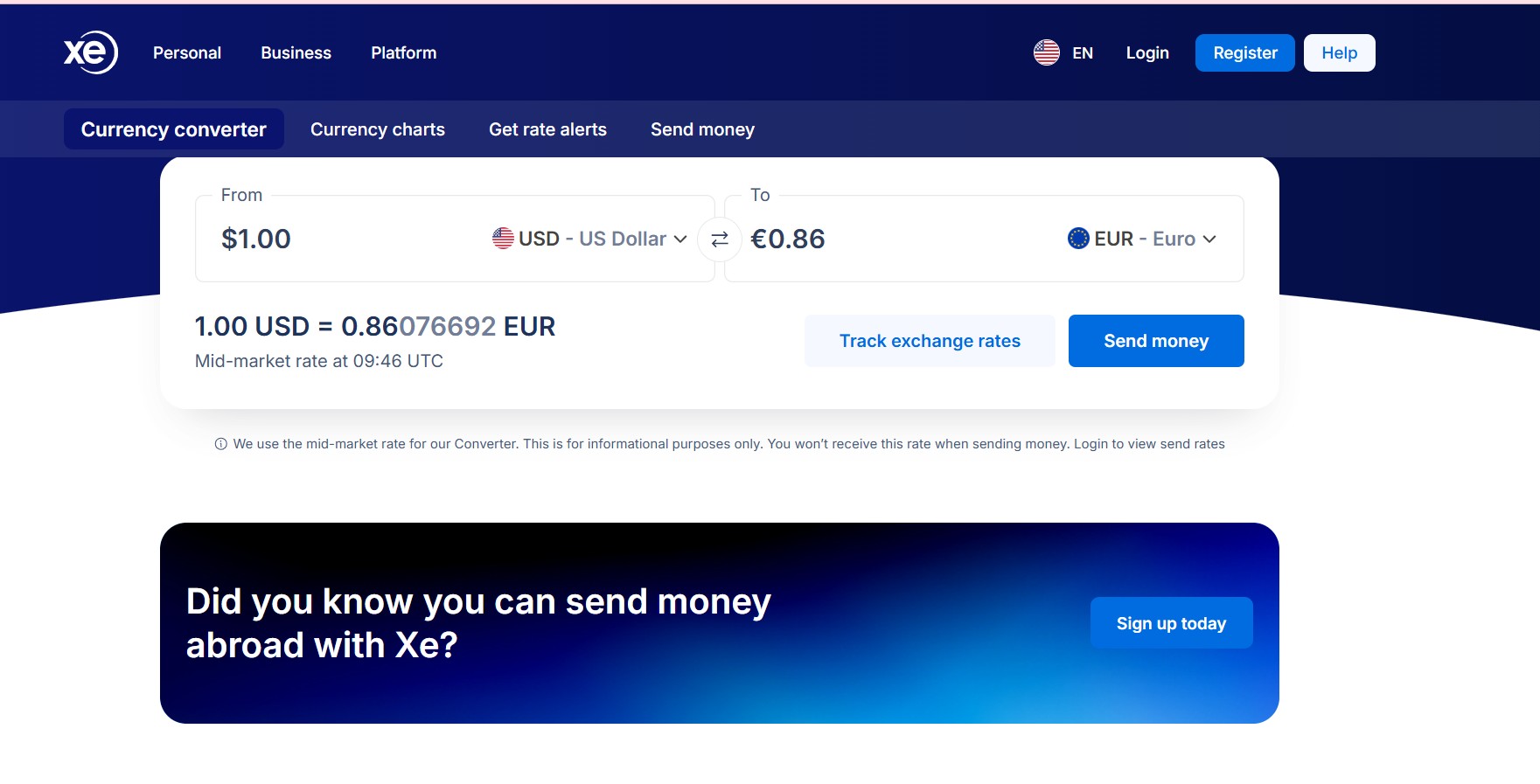
Image for XE currency Converter
- reliable real-time exchange rates
- multi-currency comparison
- widely used by travelers
OANDA

Image for Oanda currency Converter
- professional-grade forex data
- highly accurate exchange rates
- trusted by finance professionals
Google Currency Converter

Image for Google currency Converter in search Results.
- fast and convenient
- good for quick comparisons
For deeper calculations, see:
Example: Real Checkout Comparison
Suppose you are purchasing headphones from Amazon Germany.
Product price:
120 EUR

```id="l34zgh"

Mid-market conversion:
120 EUR ≈ 129 USD
Amazon conversion offer:
Pay 136 USD with Amazon conversion
By paying in EUR instead of USD, you avoid the markup and save about $7.
Final Thoughts
Amazon’s currency converter is not necessarily misleading — it is simply a convenience service.
However, convenience often comes with a hidden cost.
A better strategy is simple:
- pay in the local store currency
- let your card network perform the conversion
- check the exchange rate with a converter app first
Taking a few seconds to verify the rate can help you avoid unnecessary conversion fees.
Related Guides
- Hidden Fees Currency Converter Checklist
- Mastercard & Visa Exchange Rates Explained
- Currency Converter Calculator Guide
About the Author
Jadox builds practical financial tools and writes beginner-friendly guides about currency converters, exchange rates, and global payments.
Disclaimer: Exchange rates and payment fees vary depending on your bank, card network, and timing. Examples are simplified for educational purposes.