Free vs Paid Currency Converters in 2026: Is the 'Best Free App' Actually Costing You Money?
Free currency converter apps often look harmless, but hidden spreads and rate markups can quietly cost you money. Learn how free vs paid currency converters compare in 2026 and how to spot the real cost.


Free vs Paid Currency Converters in 2026: Is the “Best Free App” Actually Costing You Money?
Most people search for “the best free currency converter app” because they want one thing:
An accurate conversion without paying extra.
That sounds reasonable.
But in 2026, “free” often does not mean cost-free.
Many apps earn money in less obvious ways — through exchange rate markups, hidden spreads, or advertising models that prioritize profit over accuracy.
This guide compares free vs paid currency converters and shows how small differences in exchange rates can quietly cost you real money.
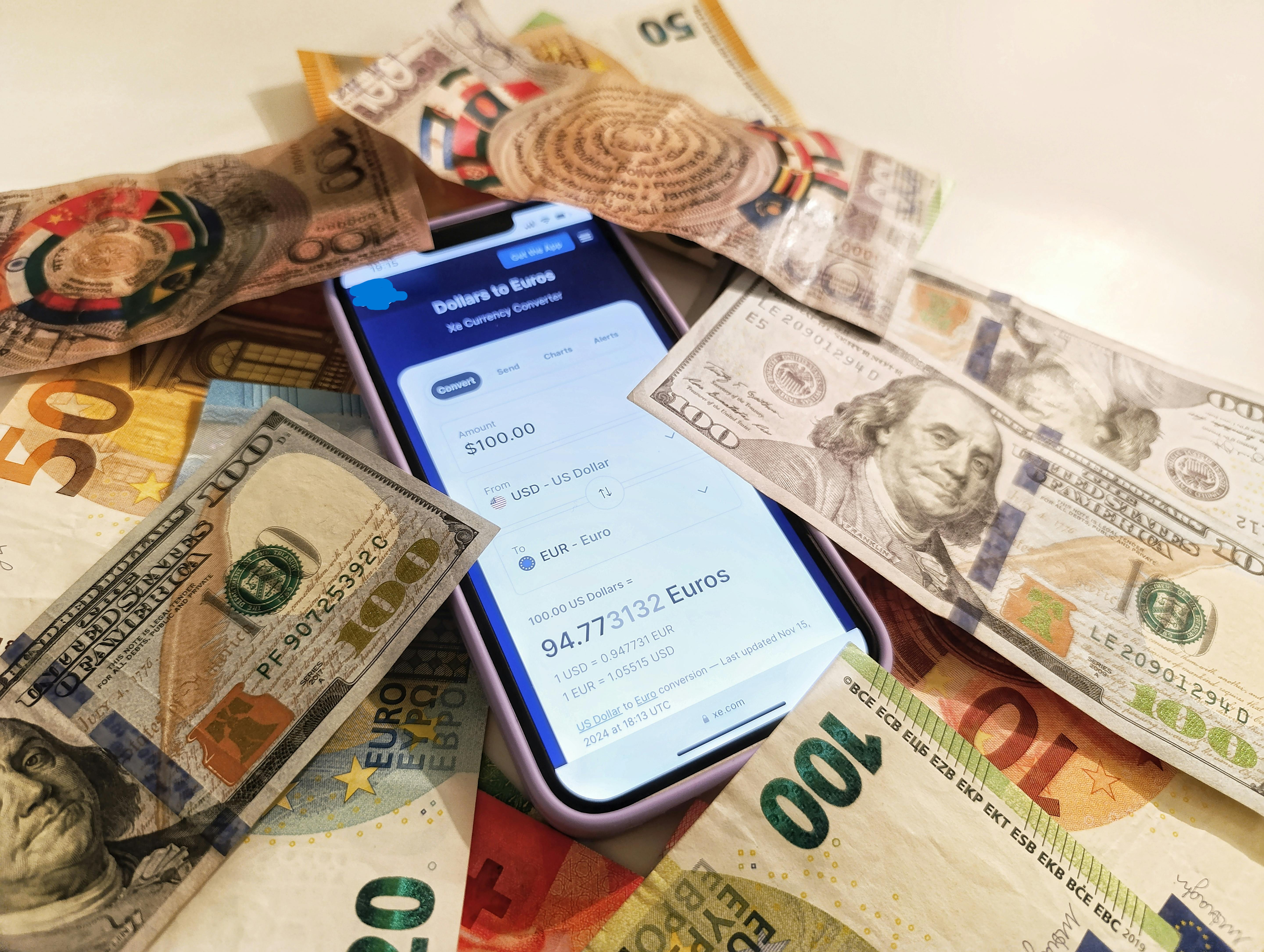 Some currency converter apps appear free but include hidden rate markups.
How Currency Converter Apps Actually Make Money
Before comparing results, it's important to understand how most currency apps generate revenue.
1. Ad-Supported Free Apps
These apps usually:
- display advertisements
- collect usage data
- sometimes show slightly outdated exchange rates
Users don't pay directly, but accuracy may not be the main priority.
2. “Free” Apps With Hidden Exchange Rate Markups
Many apps advertise:
“No fees.”
But they still earn money by adjusting the exchange rate slightly in their favor.
For example:
- the real rate might be 1 USD = 0.913 EUR
- the app may display 1 USD = 0.902 EUR
That difference is called a spread, and it becomes the app’s hidden revenue.
You can learn more about hidden spreads here:
3. Paid or Specialist Transfer Services
Some providers charge a visible fee but use the true mid-market rate.
This means:
- the exchange rate is accurate
- the service fee is shown clearly
Although you pay a fee, the pricing is transparent.
4. Reference-Only Currency Converters
Some tools exist purely to show accurate reference exchange rates.
These tools:
- do not process transfers
- do not charge fees
- display the mid-market exchange rate
They are best used for checking whether another service is giving you a fair rate.
Real Example: Sending $1,000 USD → EUR
Let’s compare how different tools handle the same conversion.
Test conditions
- Amount: $1,000 USD
- Target currency: EUR
- Same day and market conditions
Conversion Results
| Tool | Rate Type | Fees | EUR Received |
|---|---|---|---|
| Google Converter | Mid-market | None | €913.00 |
| Reference converter | Mid-market | None | €913.00 |
| Free converter app | Marked-up rate | “None” shown | €902.50 |
| Paid transfer provider | Mid-market | Visible fee | €898.90 |
(Figures simplified for clarity.)
What These Numbers Reveal
Reference Converters
Tools that show the mid-market rate provide the most accurate benchmark.
They help you:
- understand the real market value
- compare different providers
- detect hidden spreads
Free Apps With Markups
These apps appear free but take their revenue through the exchange rate.
In this example, the difference is:
€913.00 − €902.50 = €10.50
On a $1,000 conversion, that hidden cost becomes significant.
Paid but Transparent Providers
Some providers charge a visible fee but use the real exchange rate.
Although the final amount may be slightly lower, the pricing is clear and predictable.
Transparency is usually better than hidden costs.
When Free Currency Converters Are Still Useful
Free apps are perfectly fine if you are:
- checking product prices online
- planning travel budgets
- converting small amounts
- learning about currency values
For these uses, perfect accuracy is less critical.
When Accuracy Matters More
You should be more careful when:
- sending international payments
- paying overseas suppliers
- working as a freelancer with foreign clients
- converting large amounts of money
Even a 1–2% difference in the exchange rate can become expensive.
To understand how exchange rates are determined, see:
Why Transparent Currency Tools Matter
Transparent currency tools help users:
- verify the real mid-market exchange rate
- detect hidden markups
- compare financial services fairly
This is especially useful when dealing with:
- international transfers
- foreign purchases
- travel payments
Final Answer: What Is the Best Currency Converter in 2026?
There is no single perfect tool for every situation.
But generally:
- Best for reference: mid-market rate converters
- Best for sending money: transparent paid providers
- Worst value: “free” apps with hidden rate markups
The smartest approach is simple:
- Check the real exchange rate first
- Compare final results from providers
- Choose transparency over convenience
Final Thoughts
The real question isn’t:
“Is this currency converter free?”
The better question is:
Where is the cost hiding?
Once you start asking that, you gain control over how your money is converted.
Related Guides
- Hidden Fees in Currency Converter Apps
- How Exchange Rates Work (Beginner Guide)
- Currency Converter Calculator Guide
About the Author
Jadox builds practical financial tools and writes beginner-friendly guides about currency converters, exchange rates, and global payments.
Disclaimer: Exchange rates and provider fees change constantly. Examples in this guide are for educational purposes only.
🏷️ Topics
📖 Continue Learning
More guides from the same category