Excel & Sheets vs. Dedicated Apps: When a Simple Currency Converter Is All You Really Need
Should you build a currency converter in Excel or use a dedicated app? This guide explains when spreadsheets are enough and when specialized currency converter apps provide better accuracy and convenience.


Excel & Sheets vs. Dedicated Apps: When a Simple Currency Converter Is All You Really Need
If you’ve ever searched “how to create a currency converter in Excel or Google Sheets,” you’re not alone.
Many people start with DIY solutions because spreadsheets are:
- free
- flexible
- customizable
But eventually the question appears:
When is a spreadsheet enough, and when should you use a dedicated currency converter app?
Both approaches work — but they serve different purposes.
This guide explains when spreadsheets are useful, when apps are better, and how to choose the right solution for your needs.
 Both spreadsheets and apps can convert currencies, but they serve different use cases.
DIY Currency Converters in Excel and Google Sheets
Spreadsheets are surprisingly powerful tools for currency conversion.
With a few formulas, you can:
- pull exchange rate data
- convert multiple currencies
- build custom dashboards for budgeting or pricing
Example: Currency conversion formula in Google Sheets
=GOOGLEFINANCE("CURRENCY:USDEUR")
This formula retrieves the current USD → EUR exchange rate.
Once you multiply the rate by your amount, you have a working converter.
Advantages of spreadsheet converters
- Completely free
- Highly customizable
- Works well for financial tracking
- Easy to integrate into business spreadsheets
Limitations of spreadsheet converters
- Limited offline functionality
- Exchange rates may refresh slowly
- Requires spreadsheet knowledge
- Not optimized for quick mobile use
For budgeting, planning, or internal financial tracking, spreadsheets can work perfectly well.
Dedicated Currency Converter Apps
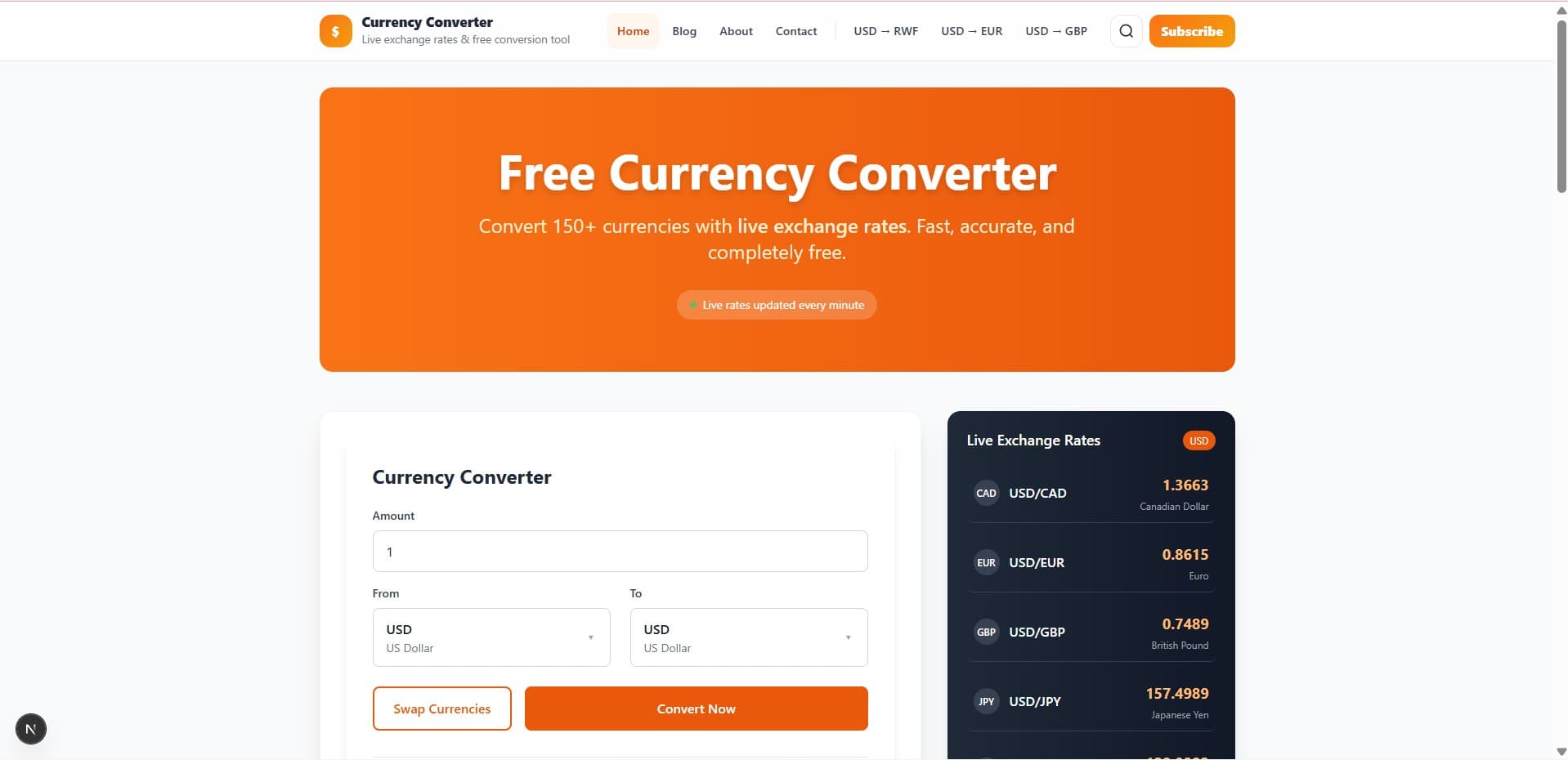
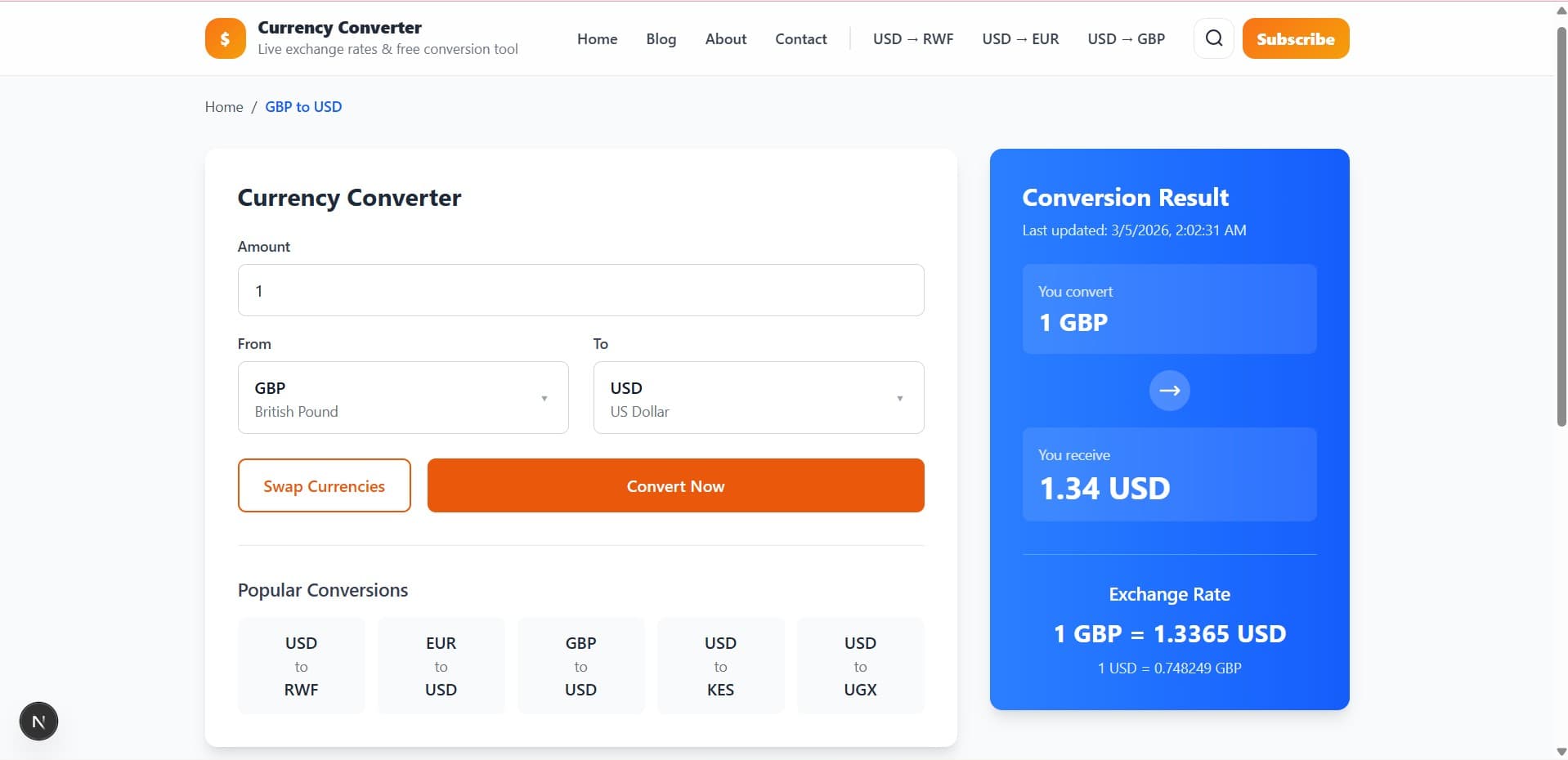
Dedicated apps are designed specifically for currency conversion.
Popular examples include:
- XE
- OANDA
- Wise
These apps usually provide features such as:
- live exchange rates
- historical charts
- rate alerts
- offline conversion mode
- multi-currency comparison
Apps are built for speed and reliability, especially when users need quick results on mobile devices.
If you're choosing between converter apps, understanding their features is important.
Related guide:
→ Beyond the Basics: 7 Must-Have Features in Currency Converter Apps
When Excel or Google Sheets Is Enough
Spreadsheets are ideal when you need structured calculations or long-term tracking.
They work well if you:
- track internal finances
- convert currencies occasionally
- create budgeting dashboards
- manage invoices or business reports
- analyze historical financial data
For planning tasks, spreadsheets offer flexibility that apps sometimes lack.
When a Dedicated Currency Converter App Is Better
Apps are better when you need fast and accurate conversions in real-world situations.
They are especially useful if you:
- travel internationally
- shop online in foreign currencies
- compare prices across countries
- send international payments
- monitor exchange rates frequently
Some apps also support offline conversions, which can be useful when traveling.
Related reading:
→ Best Offline Currency Converter Apps for International Travel
 Mobile converter apps are ideal when you need quick conversions while traveling.
Combining Both Approaches
Many people find the best solution is to use both spreadsheets and apps together.
For example:
Use spreadsheets for planning
- budgeting travel expenses
- preparing invoices
- calculating product pricing
Use apps for real-time conversions
- checking prices while traveling
- comparing international costs
- converting currencies during payments
This hybrid approach gives you flexibility while keeping conversions fast and reliable.
If you want a tool designed for real-world calculations — including fees, budgets, and markup — a converter calculator can help.
Related guide:
→ Currency Converter Calculator: Why You Need More Than a Simple Rate Tool
Common Currency Conversion Mistakes
Whether using spreadsheets or apps, people often make these mistakes:
- relying on outdated exchange rates
- ignoring transfer fees or markups
- assuming spreadsheet rates are perfectly real-time
- converting money without checking reference rates
Understanding the basics of exchange rates helps avoid these issues.
Final Thoughts
Both spreadsheets and converter apps have their place.
Spreadsheets are excellent for planning and customization.
Dedicated apps are better for speed, accuracy, and everyday use.
If you mainly want to track numbers or plan budgets, Excel or Google Sheets will work well.
If you need fast and reliable conversions when money is involved, a dedicated currency converter app is usually the better choice.
Related Guides
- Currency Converter Calculator: Why You Need More Than a Simple Rate Tool
- 7 Must-Have Features in the Best Currency Converter Apps
- Best Offline Currency Converter Apps for International Travel
About the Author
Jadox is a web developer and digital tools creator who builds practical online tools and writes beginner-friendly guides about currency conversion, international payments, and financial utilities.
Disclaimer: Exchange rates change frequently. Spreadsheet formulas and converter apps may display reference rates that differ slightly from bank or payment provider rates.
🏷️ Topics
📖 Continue Learning
More guides from the same category