Travel Smart: The Best Offline Currency Converter Apps for International Travel (2026 Guide)
No internet abroad? No problem. Discover the best offline currency converter apps for international travel, tested for accuracy, speed, and real-world usability.


Travel Smart: The Best Offline Currency Converter Apps for International Travel
Landing in a new country without mobile data can quickly become stressful.
- You’re standing in front of a café menu.
- Prices look unfamiliar.
- Airport Wi-Fi is slow.
- Your local SIM card isn’t installed yet.
And suddenly, your currency converter won’t load.
That’s exactly why offline currency converter apps are essential for international travel.
Many travelers assume all converter apps work offline — but in reality, some simply display an error screen when there is no internet connection.
This guide explains which offline currency converter apps actually work, what features matter most, and how to choose the right one for your travel style.
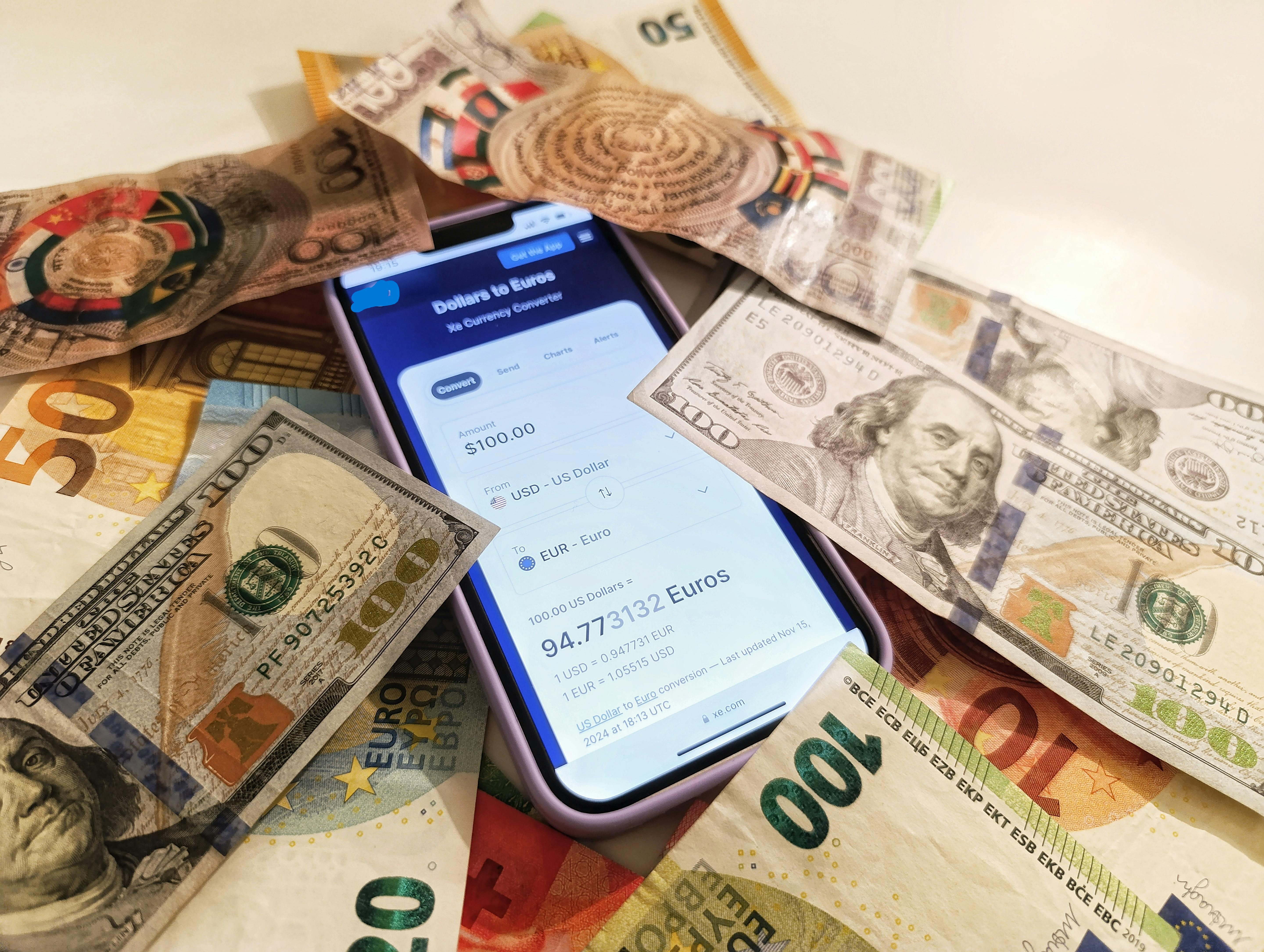 Offline converters help travelers check prices instantly without internet access.
Why Offline Currency Conversion Matters for Travelers
Internet access is never guaranteed when traveling abroad.
Common situations travelers face include:
- No local SIM card yet
- Expensive roaming charges
- Weak hotel Wi-Fi
- Remote destinations with limited connectivity
An offline-ready currency converter allows you to:
- Check prices instantly
- Avoid overpaying as a tourist
- Estimate spending quickly
- Stay confident when paying in unfamiliar currencies
For many travelers, this simple tool becomes one of the most useful apps on their phone.
What Makes a Reliable Offline Currency Converter
Not every app that claims to support offline conversion actually works without internet.
A reliable converter should:
- Store the most recent exchange rates locally
- Clearly show when the rates were last updated
- Perform conversions instantly without loading
- Support multiple global currencies
- Run smoothly on older phones
These features ensure the app continues working even when you are completely offline.
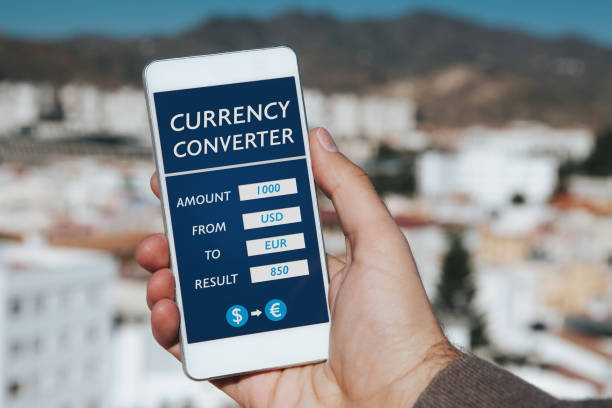 Good converter apps store recent exchange rates locally.
If you're curious how converter tools actually calculate exchange values, read:
→ Currency Converter Calculator: More Than Just a Rate Tool
The Best Offline Currency Converter Apps for Travel
These apps were selected based on reliability, usability, and real-world travel use.
1. XE Currency — Best Overall Travel Converter
XE is widely considered one of the most reliable currency apps available.
Key features:
- Stores exchange rates for offline use
- Supports dozens of international currencies
- Clean, fast mobile interface
- Multi-currency comparison view
- Clear rate update timestamps
In real travel situations, XE continues working even in airplane mode.
Best for:
Frequent travelers, backpackers, and digital nomads.
2. Currency Converter Plus — Lightweight Offline Tool
Currency Converter Plus focuses on simplicity and speed.
Advantages:
- Works instantly without internet
- Minimal design and interface
- Very fast on budget phones
- Simple currency switching
It lacks advanced analytics but performs very well as a straightforward offline converter.
Best for:
Travelers who want a simple and fast tool.
3. OANDA Currency Converter — High Accuracy Reference
OANDA uses professional foreign exchange data sources.
Features include:
- Highly accurate exchange rates
- Reliable offline storage of recent rates
- Clear timestamps for rate updates
- Clean and professional interface
The app may feel slightly technical for casual users, but accuracy is excellent.
Best for:
Business travelers and finance-focused users.
4. Google Currency Converter — Not Offline Friendly
Google provides quick currency conversions when you have internet access.
However, it does not work without an internet connection.
This is why travelers should not rely on Google search conversions during trips.
Best for:
Quick checks before travel, not offline use.
Quick Comparison of Offline Converter Apps
| App | Works Offline | Accuracy | Ease of Use | Best For |
|---|---|---|---|---|
| XE Currency | Yes | Very High | Very Easy | All travelers |
| Currency Converter Plus | Yes | High | Extremely Easy | Simple travel use |
| OANDA | Yes | Extremely High | Moderate | Business travel |
| Google Converter | No | High (online only) | Very Easy | Online checks |
Travel Tips for Using Offline Converter Apps
To make offline converters more reliable during trips:
- Update exchange rates before leaving Wi-Fi
- Refresh rates at least once per day
- Check the last updated timestamp
- Pin commonly used currencies
- Keep the app easily accessible
These small habits prevent mistakes when paying abroad.
Where Online Currency Converters Still Help
Offline apps are perfect when you're outside.
But when you have internet access, web-based converter tools provide additional features:
- Larger dashboards
- Multi-currency comparisons
- Historical exchange charts
- Trip budget planning
Many travelers combine both tools.
Offline apps help while walking around a city, while online tools help during trip planning.
For example, understanding currency differences across countries can be useful before traveling.
Related guide:
→ China Currency Converter: CNY vs RMB
Final Thoughts
Currency confusion is one of the most common travel frustrations.
A reliable offline converter app helps you:
- Check prices confidently
- Avoid tourist overcharging
- Manage your travel budget
For most travelers in 2026, XE remains one of the best offline currency converter apps available.
Whichever app you choose, test its offline functionality before leaving home.
Simple Test Before Your Trip
Before traveling:
- Install your converter app
- Update exchange rates
- Turn on airplane mode
- Try converting a currency
If the app still works — you're ready for travel.
Related Guides
- China Currency Converter: CNY vs RMB Explained
- Currency Converter Calculator: More Than Just a Rate Tool
About the Author
Jadox is a web developer and digital tools creator who builds practical web tools and writes beginner-friendly guides about technology, finance utilities, and digital travel tools.
Disclaimer: Exchange rates change frequently. Currency examples and comparisons are for educational purposes only.
🏷️ Topics
📖 Continue Learning
More guides from the same category